Basic Usage
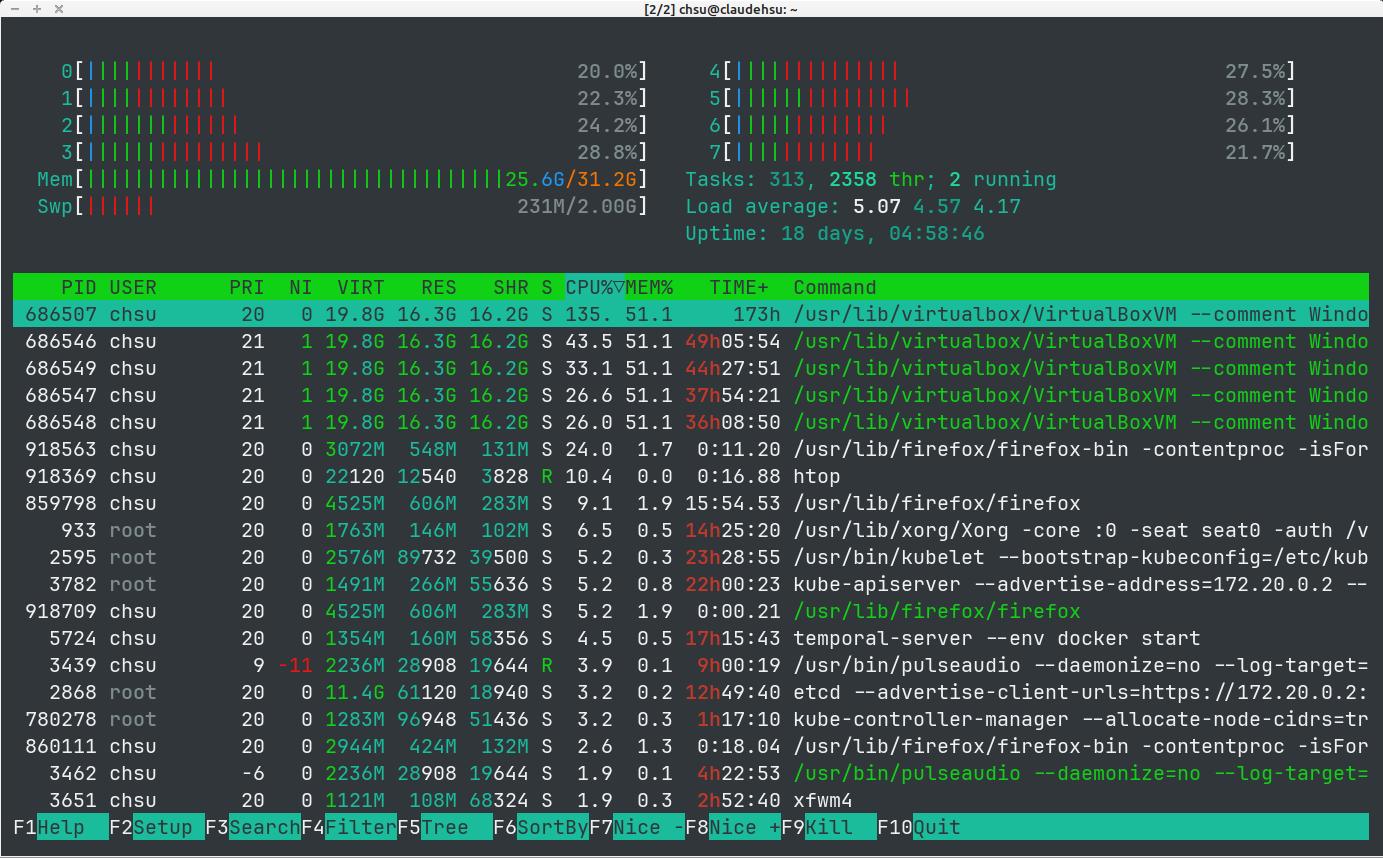
Start the program with htop. When running inside a desktop terminal emulator, htop supports mouse interaction — you can scroll, click to sort columns, and use the bottom menu.
Kill a Process
Use the arrow keys to move through the process list. By default, Vim motion keys are not working.
To kill a process, press F9 or k and then choose the signal to send.
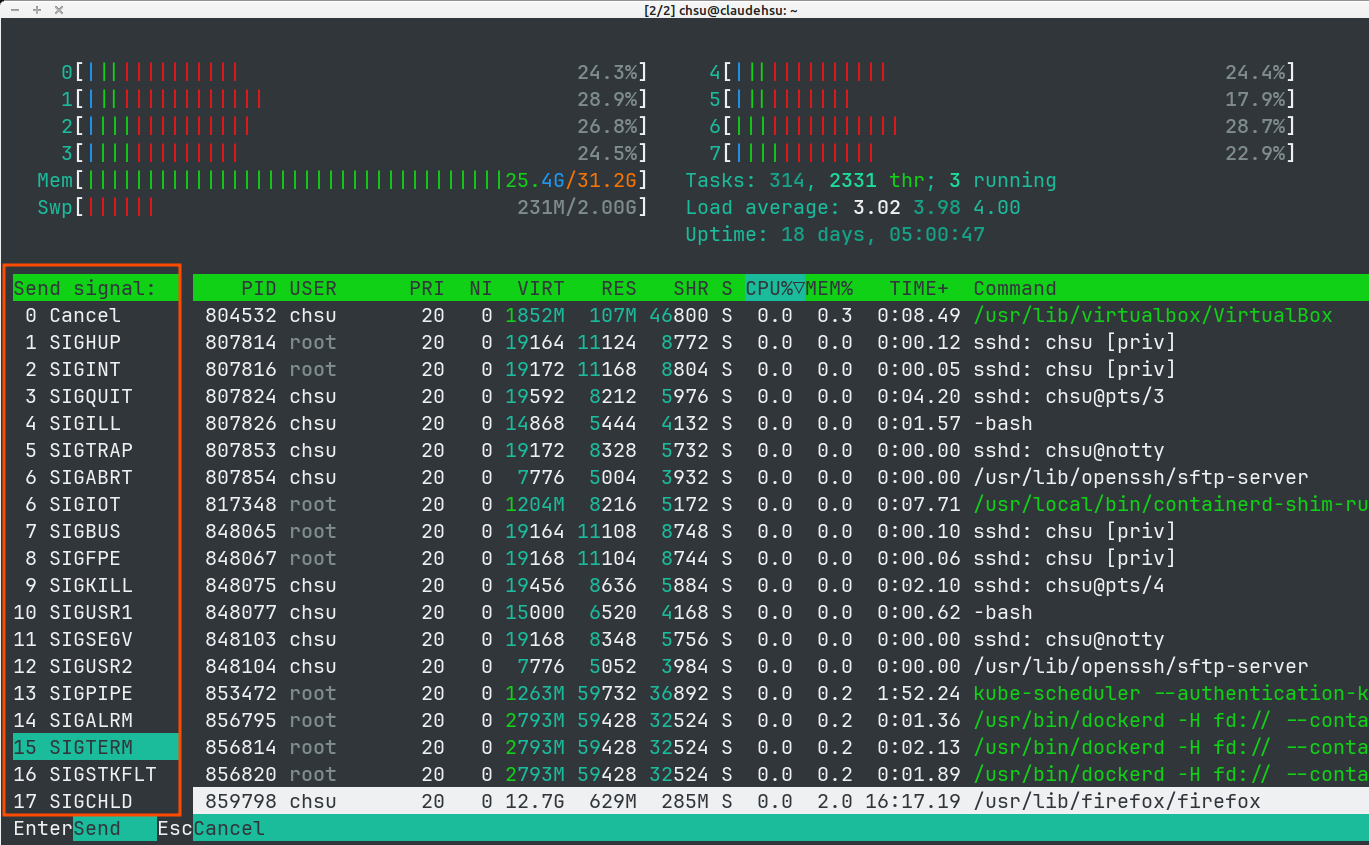
Like the kill command in shell:
15 SIGTERM- recommended to try first9 SIGKILL- forcibly terminates the process
SIGKILL may leave behind artifacts such as stale terminal output because the process is terminated without cleanup. Example: terminate htop process with SIGKILL, and there will be leftover contents in terminal window.
Find the Desired Process
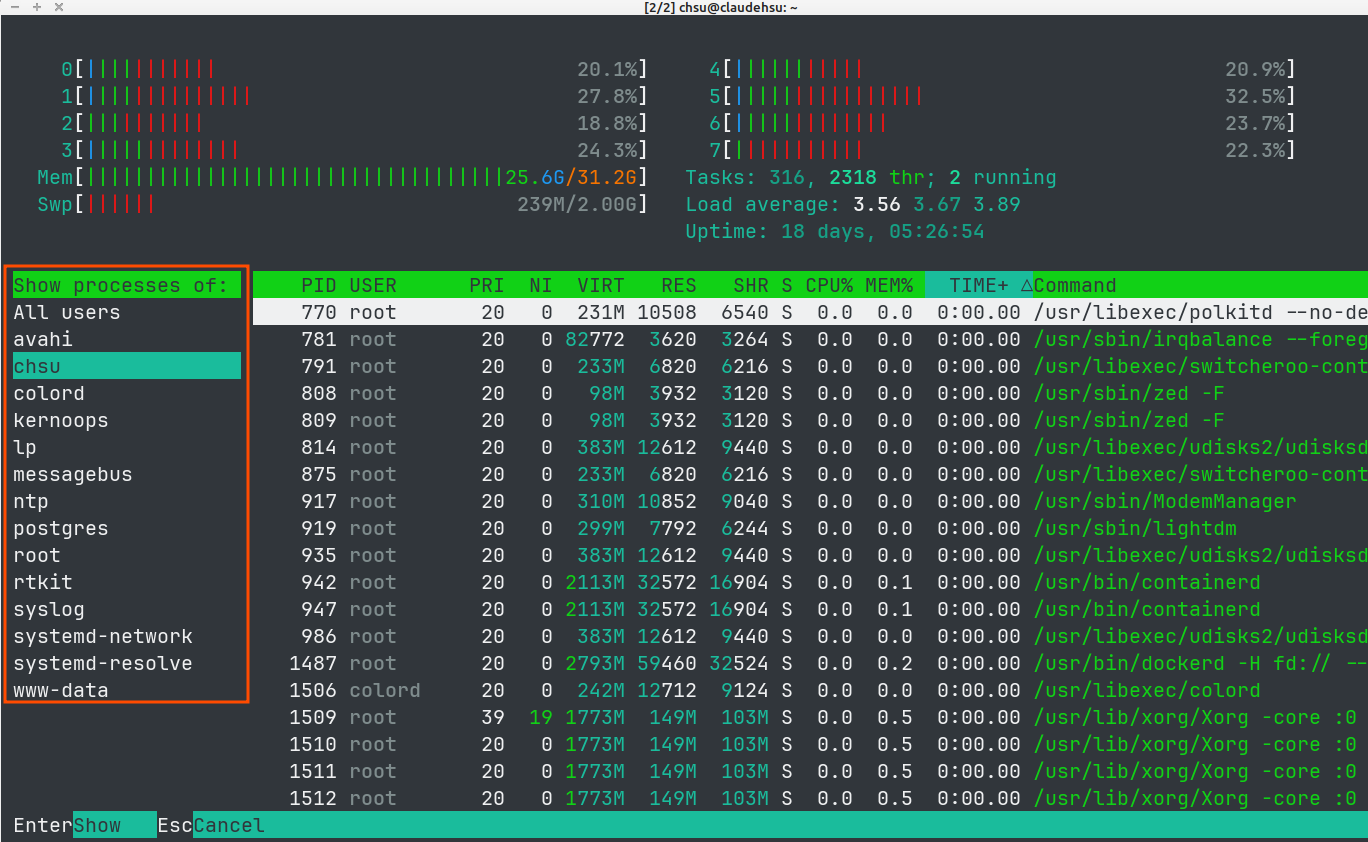
Press u to show the list of users, and then narrow down the process list by selecting one.
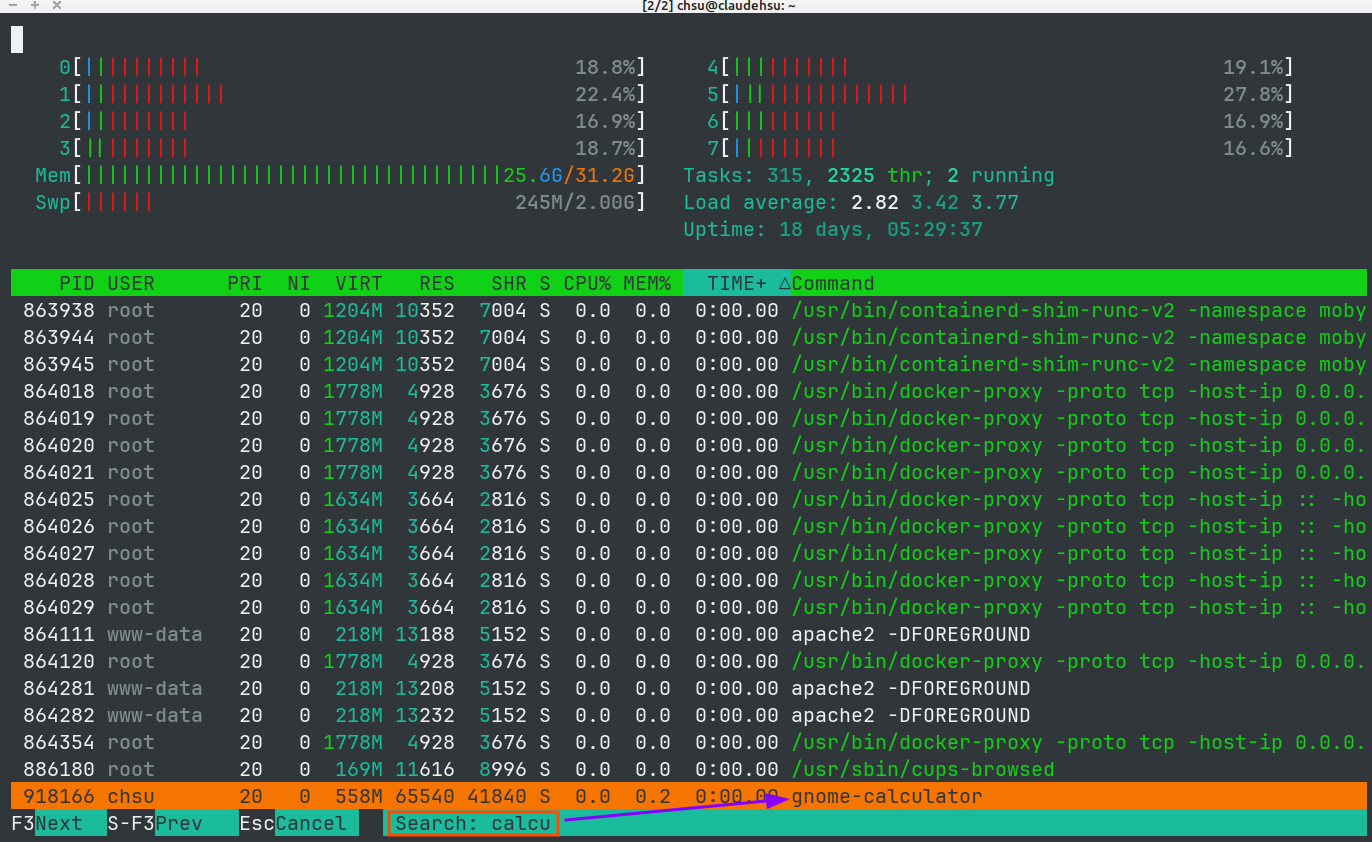
Press F3 or / to search the process by name. The search is incremental and highlights matches.
Shortcuts
Some commonly used shortcus:
PgUp,PgDn,Home&End- move the cursor as expected\- filter the process list by keywordt- toggle tree view/- search by process nameShift + p- sort by CPU usageShift + m- sort by memory usageH- toggle userland threads- threads appear under their parent process
MEM%is a process-level meter, so all threads under the same process show the same value
q- quithtop
UI Setup
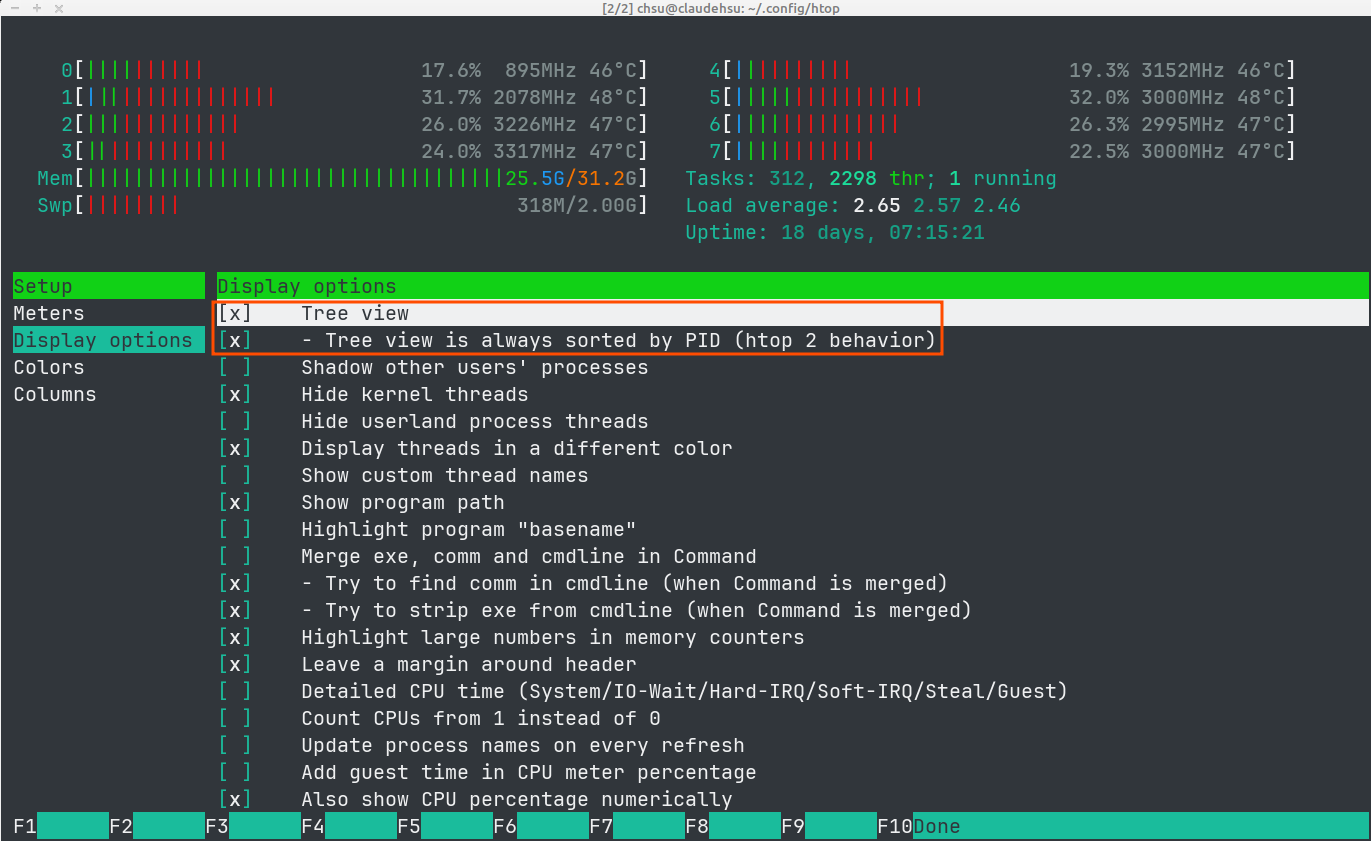
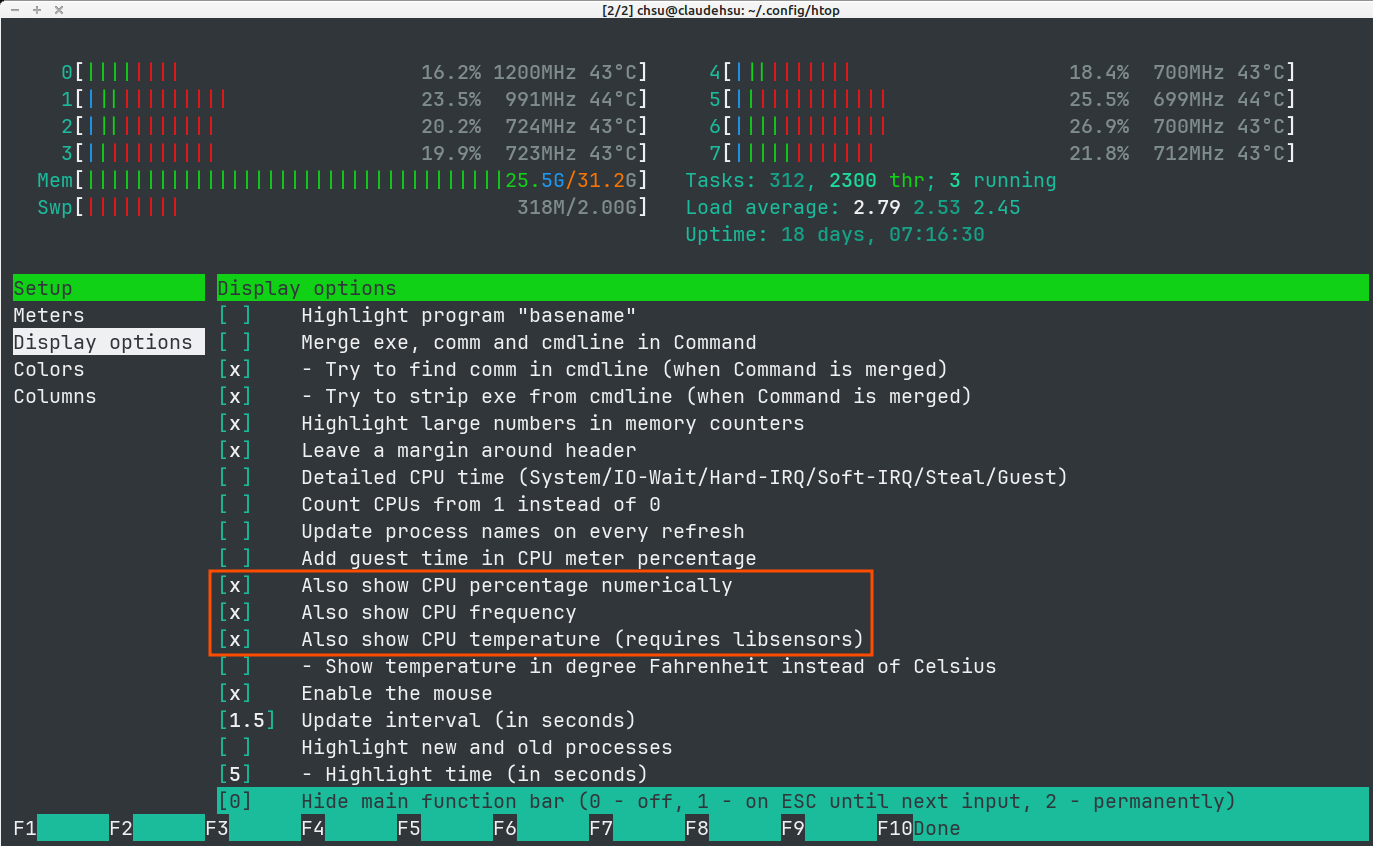
Press F2 to open Setup, where you can customize what htop displays. Some useful options include:
- Tree view - show processes in parent/children relationships
- CPU temporature - display per‑core or overall temperature if supported by your system
- CPU usage layout - control how multiple CPU cores are grouped and shown. Example: on a 32-core CPU, selecting
CPUs (1-4/8): first half in 4 shorter columns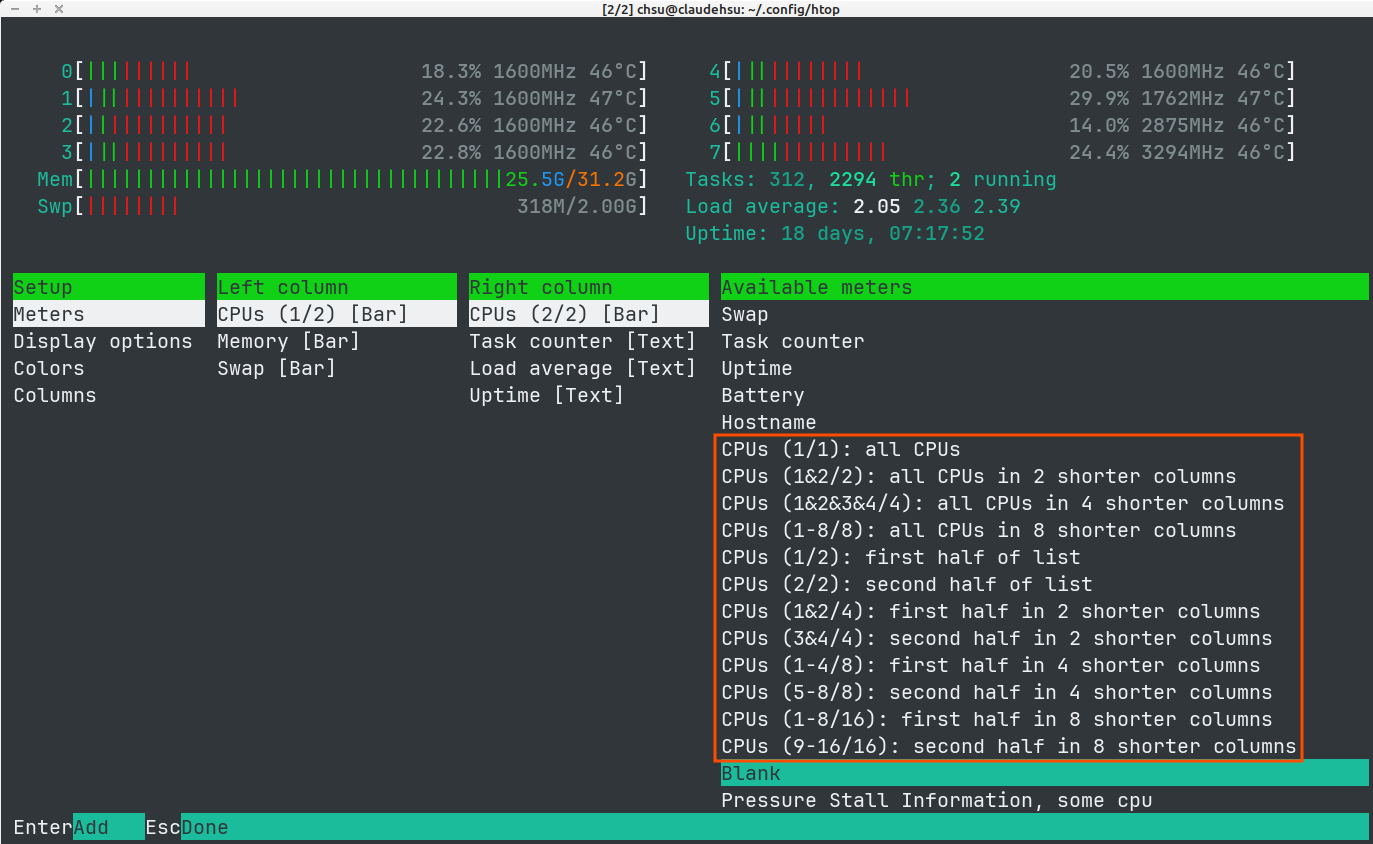
- first half - CPU cores from number 0 to number 15
- in 4 shorter columns - 0-15 cores are shown in 4 columns, so 4 CPU cores per column